How to Write a Google Business Profile Description
Learn how to write an effective Google Business Profile description. Step-by-step tips, common mistakes, and best practices for 2026.
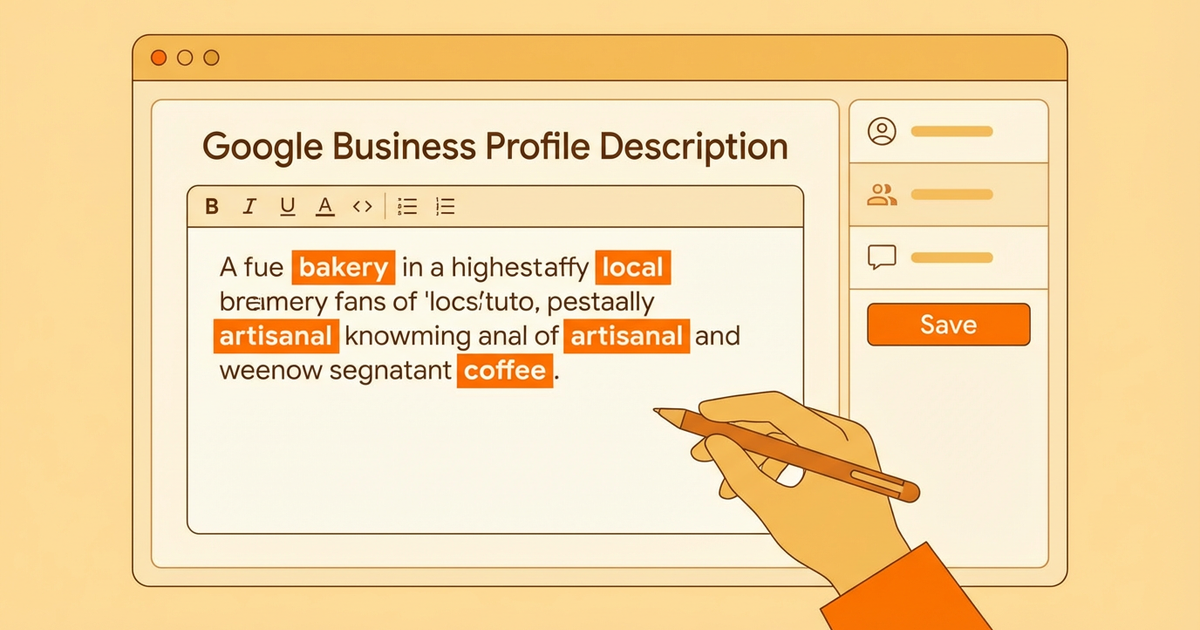
Your Google Business Profile (GBP) description is an important element that strengthens your business's online presence. In this guide, you will learn the steps and best practices for writing an effective business description. You will also discover how to avoid common mistakes.
Why It Matters
Your Google Business Profile description gives potential customers their first impression of your business. A well-crafted description captures customer attention and encourages them to learn more about your business. In a competitive market, a description prepared with the right words can help you stand out from your competitors.
Your description also supports search engine optimization (SEO) by providing a brief summary of the products and services your business offers. A description prepared with the right keywords can help your business appear higher in Google searches. When writing your description, keep your target audience and their search habits in mind.
Step 1: Preparation
Before you start writing your business description, it is important to go through a preparation process. Start by identifying your target audience. Who makes up your target audience? What are their needs and expectations? Finding answers to these questions will help shape the content of your description.
Next, identify your business's key features. What services or products do you offer? What sets you apart from competitors? Clearly defining these features will make your description more effective. It is also important to determine the keywords you will use in your description. Use tools like Google Keyword Planner to identify the most searched terms related to your business.
Step 2: Writing
After completing the preparation process, you can start writing your description. Open with an attention-grabbing introduction in your first sentences. In this section, briefly summarize your business's core services and the benefits it provides. For example, an opening like "As the neighborhood's favorite coffee shop, we offer freshly ground coffee and a warm atmosphere" can capture the interest of potential customers.
In the rest of your description, detail the services and products your business offers. In this section, focus on providing information that will interest your target audience. When describing your services or products, highlight the value they add to customers.
Finally, end your description with a call to action (CTA). Encourage customers to visit your business, explore your website, or contact you directly. For example, a call to action like "Visit our store or get in touch with us today for more information!" can increase the effectiveness of your description.
Step 3: Review
After completing your description, move on to the review process. First, correct any spelling and grammar errors. These types of mistakes can diminish the perceived professionalism of your business and leave a negative impression on customers.
Next, check whether your description is clear and understandable. Avoid complex sentences and use language that readers can easily comprehend. Also, check the length of your description. Google Business Profile descriptions typically have a 750-character limit, so make sure your description stays within these bounds.
Finally, evaluate whether your description is SEO-friendly. Make sure the keywords you identified are included in your description, but avoid keyword stuffing. Keywords should be integrated naturally into the description.
Common Mistakes
There are some common mistakes made when writing Google Business Profile descriptions. Avoiding these mistakes can help make your description more effective. First, do not fill your description with unnecessary information. Information that is not directly related to your business can cause readers to lose interest.
Another common mistake is keyword stuffing. Overusing keywords can make your description look unnatural and may result in penalties from Google. Be careful to add keywords to your description in a natural way.
Finally, avoid providing false or misleading information in your description. Maintaining open and honest communication with your customers will produce more positive results in the long run.
Tips and Best Practices
Here are some tips and best practices to keep in mind when writing an effective Google Business Profile description:
- ▸
Be Concise: Avoid unnecessary details in your description. A short and concise description provides information to your customers more quickly.
- ▸
Be Customer-Focused: Prioritize your customers' needs and expectations in your description. Explain how you solve their problems.
- ▸
Be Unique: Highlight the unique features of your business. Clearly express what sets you apart from competitors.
- ▸
Keep It Updated: Regularly review and update your business description. Include any changes in your business or new services in your description.
Conclusion
Your Google Business Profile description is a powerful tool for increasing your business's online visibility. A description prepared with the right strategies can help you attract more customers and strengthen your business's reputation. Follow this step-by-step guide to create an effective description tailored to your business's needs.
If you want to increase your business's online visibility and attract more customers, contact us and take advantage of our professional SEO services!
Author
ajanslokal Team
We create content about digital marketing strategies and solutions for local businesses.
Interested in this service?
Stand out on Google. Manage your business with professional tools.
Learn MoreGrow Your Business in the Digital World
Be more visible on Google, win more customers. Get your free digital presence audit now!
Get Free Audit