How to Create Google Business Profile Posts
Learn how to create Google Posts step by step. An easy guide with visuals and tips, updated for 2026.
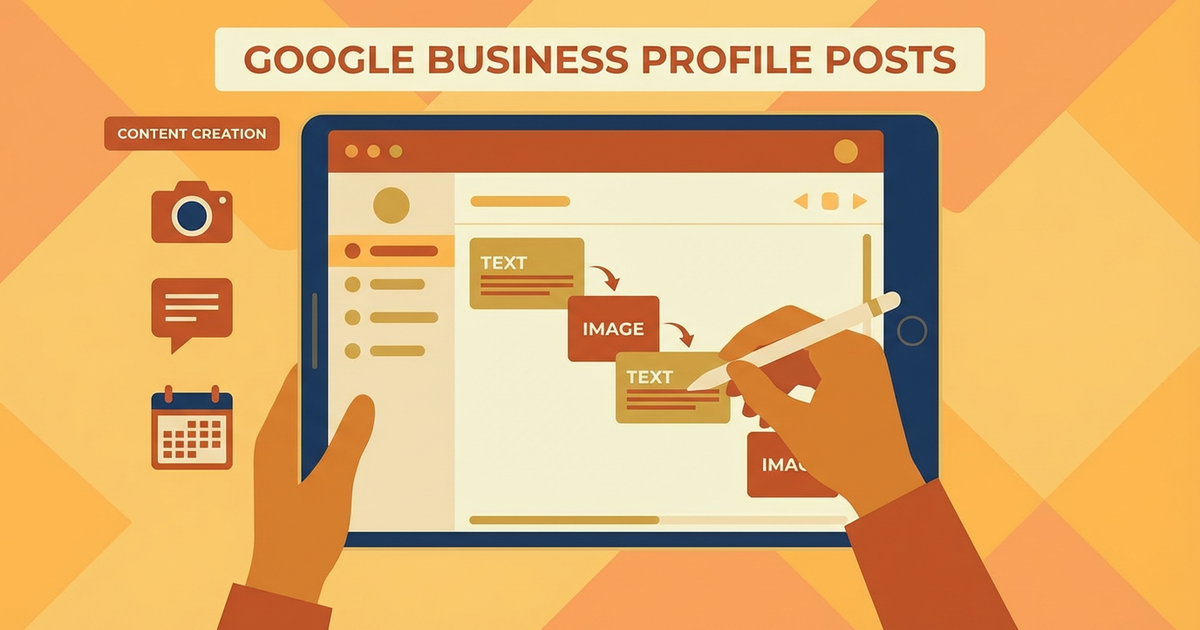
Creating Google Posts through your Google Business Profile (GBP) is a highly effective way to increase your business's visibility. In this guide, we will walk through how to create Google Posts step by step.
Why Is It Important?
Google Posts are an excellent tool for reaching your target audience directly. They appear alongside your business information in Google search results, making it easy for potential customers to discover your offers.
Google Posts are particularly valuable for local businesses looking to boost competitiveness and customer engagement. You can use this platform effectively for seasonal campaigns, new product launches, or important announcements.
Google Posts also matter for SEO. Well-crafted posts can improve your business's ranking in search engine results. Greater visibility in search results can drive more customer traffic and ultimately increase sales.
Step 1: Preparation
Before creating Google Posts, clarify your target audience and the message you want to convey. Who is your target audience? What information do you want to share with them? Answering these questions will make your posts more effective.
When planning your post content, choose a strong headline and an eye-catching visual. Visuals help posts grab attention and generate engagement. Using brand colors or culturally relevant elements can help attract your target audience's interest.
Your post content should be concise and to the point. Creating informative and engaging text increases the likelihood that users will interact with your post. When writing, incorporate keywords naturally.
Step 2: Implementation
To create Google Posts, log into your Google Business Profile and click the "Posts" tab. From there, you can create a new post. First, select the type of post: options include "Event," "Offer," "Update," or "Product."
After selecting the post type, fill in the title and description fields. Choosing an effective title will help your post attract more attention. In the description, make sure you communicate your message clearly.
During the image upload step, select a high-resolution, eye-catching photo. The visual is the first element that makes users stop and look at your post. Using locally relevant imagery or colors can further capture users' interest.
Step 3: Review
After creating your post, review it carefully before publishing. Check for typos, incorrect information, or missing details. At this stage, it is also important to check how your post looks on mobile devices.
Preview your post to see how it will appear to users. Make sure the text is accurate and clear, and that the visuals are the right size.
Remember, you can still make changes after your post goes live. However, considering the importance of first impressions, it is best to publish with accurate information from the start.
Common Mistakes
There are several common mistakes when creating Google Posts. Being aware of these can help you create more effective content. First, using overly long and complex text can cause users to lose interest.
Additionally, using low-quality or irrelevant images can make your post look unprofessional. Make sure your visuals align with your post in terms of quality and content.
Another common mistake is sharing outdated or incorrect information. Especially for campaign or event posts, make sure all details are accurate and current.
Tips and Best Practices
There are several tips and best practices to keep in mind when creating Google Posts. First, establishing a regular posting schedule ensures your business stays consistently visible. Planning posts on a weekly or monthly basis is a good way to maintain consistency.
Adding calls to action to your posts encourages users to engage. Phrases like "Click for more info" or "Sign up now" can motivate users to take action.
Finally, analyzing your posts and evaluating their performance is important. Review which posts get more engagement and which types of content attract more interest. This data will help you optimize future posts.
Conclusion
Google Posts are a great way to increase your business's online visibility and interact directly with customers. With the right strategy and planning, you can make the most of this tool's advantages.
Now, log into your Google Business Profile and create your first Google Post! For more information and support, feel free to contact us or share your feedback. Let us help your business shine in the digital world!
Author
ajanslokal Team
We create content about digital marketing strategies and solutions for local businesses.
Interested in this service?
Stand out on Google. Manage your business with professional tools.
Learn MoreGrow Your Business in the Digital World
Be more visible on Google, win more customers. Get your free digital presence audit now!
Get Free Audit