How to Set Up Google Business Profile Hours
Step-by-step guide to setting regular and special hours on your Google Business Profile. Keep customers informed and boost local SEO.
Using Google Business Profile (GBP) correctly is one of the most important components of your local SEO strategy. Setting your business hours accurately increases customer access to and trust in your business. In this article, we will explain step by step how to set your Google Business Profile business hours.
Why It Matters
Specifying accurate business hours on your Google Business Profile improves the user experience. It is extremely important for customers to know your business is open when they want to reach you. Incorrect or missing business hours can cause you to lose customers. This becomes even more important during holiday periods, as customers frequently use Google to check whether businesses are open.
Providing accurate information affects not only user satisfaction but also your ranking in search engine results. Google aims to provide users with the best and most accurate information. Therefore, when your business information is current and accurate, your chances of appearing higher in local searches increase.
Step 1: Preparation
The first step is to determine your current business hours. This includes not only your regular business hours but also your hours during special days (such as public holidays). If you plan to change your business hours during holiday periods or special events, factor those in as well.
Create a clear table of your business hours. This will guide you when updating the information on your Google Business Profile. Also, if you have multiple locations, it is important to set hours separately for each one.
Step 2: Implementation
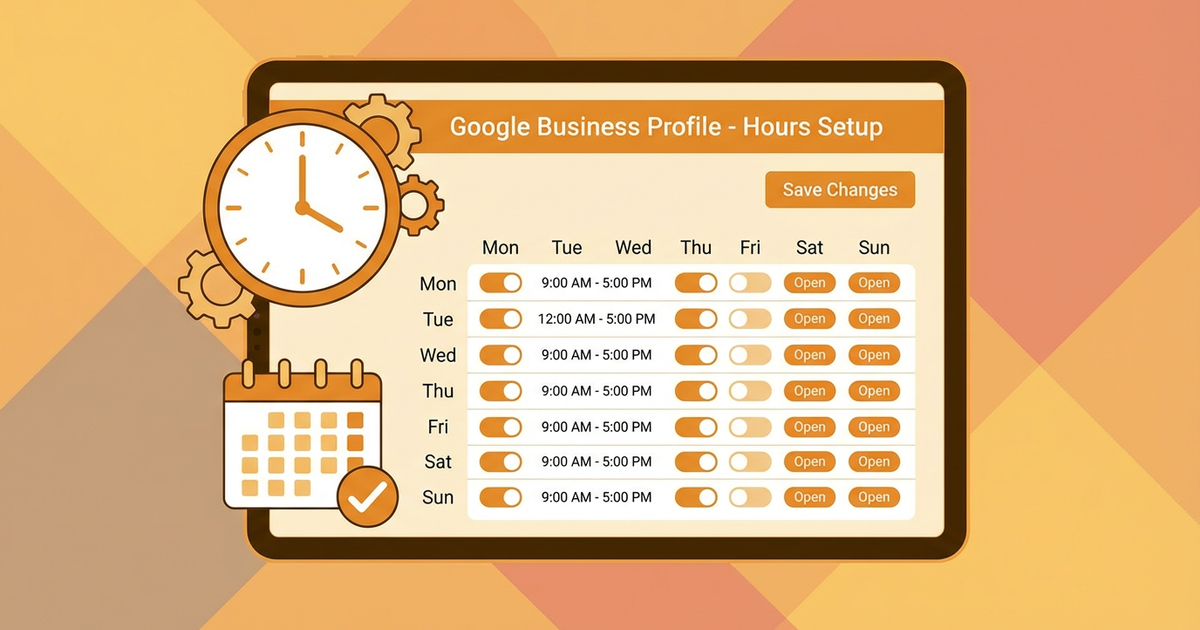
Start by signing in to your Google Business Profile. After signing in, go to your business profile page and click the "Info" tab. You will find the "Business Hours" section there. First, enter your regular business hours. Make sure to specify both opening and closing times accurately.
Adding special hours for specific days is also important. Use the "Special Hours" option to set different hours for holidays or other special occasions. This clearly shows your customers which days and times your business is open.
Step 3: Verification
After entering your business hours, check the accuracy of the information. Make sure the information on your profile matches the data you established during the preparation step. Incorrect information can cause customer loss and negatively affect your business's reputation.
Also, do not neglect to update your business hours regularly. This is especially critical during holiday periods. In addition to providing accurate information to your customers, supplying search engines with up-to-date information can positively affect your rankings.
Common Mistakes
One of the most common mistakes when setting business hours is overlooking holidays and special days. During important holidays, business hours often change. Not specifying special hours during these periods can negatively affect customer satisfaction.
Another common mistake is entering times in the wrong AM/PM format. This can lead to confusion between morning and evening hours. Additionally, keeping your weekend business hours up to date is important, as many customers prefer to shop on weekends.
Tips and Best Practices
- ▸Regular Updates: Check and update your business hours at regular intervals. Seasonal changes or sudden schedule changes may require you to make updates.
- ▸Plan Ahead: Plan and set your hours in advance for special days or holiday periods. This not only improves customer satisfaction but also makes your operations easier.
- ▸Accuracy Check: After entering your business hours, ask a colleague or employee to verify the data. This can help you catch potential errors.
Conclusion
Setting your Google Business Profile business hours correctly plays an important role in the success of your local SEO strategy. Accurate information improves both customer satisfaction and your search engine rankings. By following this guide, you can easily update your business hours and provide your customers with the best experience.
Call to Action
Start optimizing your business's Google Business Profile now! Update your business hours to provide your customers with the most accurate information and stand out in local searches. Contact us for more information and support!
Author
ajanslokal Team
We create content about digital marketing strategies and solutions for local businesses.
Interested in this service?
Stand out on Google. Manage your business with professional tools.
Learn MoreGrow Your Business in the Digital World
Be more visible on Google, win more customers. Get your free digital presence audit now!
Get Free Audit