How to Add a Business to Google Maps: 2026 Updated Guide
Step-by-step guide to adding your business to Google Maps in 2026. Boost local SEO and reach potential customers faster.
Introduction
Google Maps is a powerful tool for increasing your business's online visibility. Listing your business on Maps helps you easily reach potential customers and direct them to your physical location. Additionally, it works in an integrated way with Google Business Profile (GBP) as part of your local SEO (Search Engine Optimization) strategy. In this guide, we will explain step by step how to add your business to Google Maps as of 2026.
Creating a Google Business Profile
The first step to appearing on Google Maps is to create a Google Business Profile. This profile contains your business's essential information and allows customers to find you in search results.
Step 1: Opening a Google Business Profile Account
To create a Google Business Profile, you first need a Google account. If you don't have one, you can create a free account at the Google Accounts page. After creating your account, go to the Google Business Profile page and click the "Manage Now" button. This will direct you to a form where you can enter your business information.
Step 2: Entering Business Information
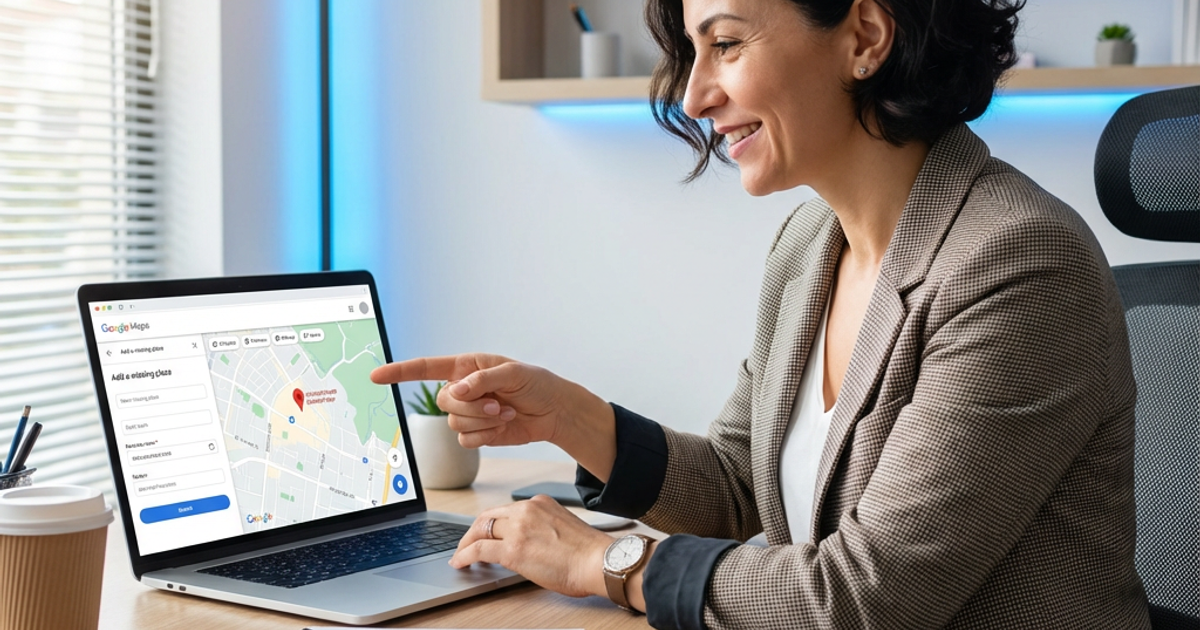
It is very important to enter information such as your business name, category, and address correctly and completely. Choosing the right category will help your business be found more quickly in relevant searches. In the address section, specifying your business's full address allows customers to find you on Maps. Also, don't forget to add your phone number and website information.
Step 3: Verification Process
Google runs a process to verify that your business actually exists. Typically, it verifies by sending a postcard to the address you provided. This card contains a code needed to verify your business. Alternatively, verification options by phone or email may also be offered. Once the verification process is complete, your business information will begin appearing on Google Maps.
Tips for Local SEO
Creating a business profile is just the beginning of your local SEO strategy. There are several additional steps you can take to help your business perform better on Maps.
User Reviews and Ratings
User reviews contribute significantly to your business's ranking in local searches. Try to get positive reviews from your customers and respond to reviews quickly. This both increases customer satisfaction and demonstrates your business's reliability. Positive reviews can help your business attract more attention.
Accurate and Up-to-Date Information
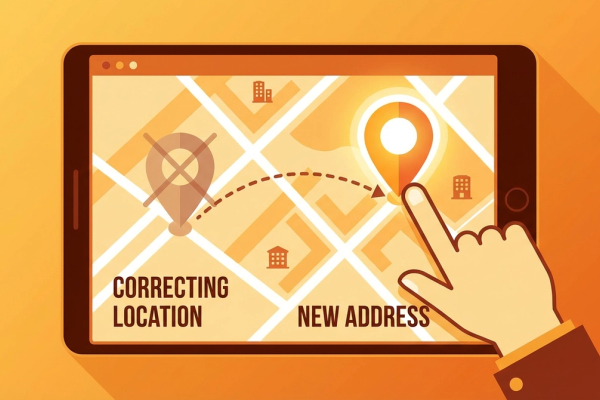
Make sure your business information is always current and accurate. If your business hours, phone number, or address changes, update this information immediately. This ensures customers can find your business correctly and prevents potential customer loss.
Photos and Visuals
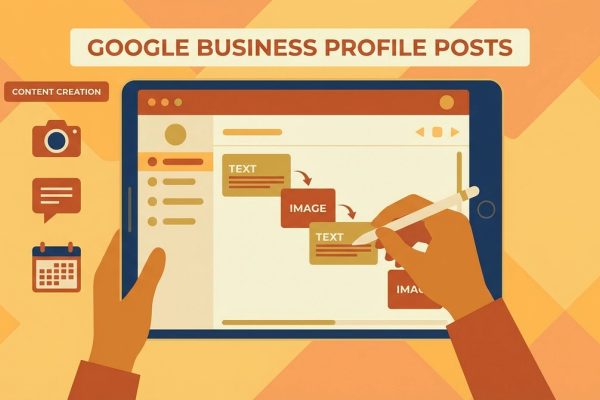
Adding photos of your business gives potential customers a visual idea. You can make your business more attractive by adding various content such as interior and exterior photos, images of your products or services. High-quality, original photos strengthen your business's professional image.
Managing Your Business on Google Maps
After adding your business to Maps, it is important to manage your profile effectively. This makes your business's online presence sustainable and increases customer interactions.
Events and Special Offers
Using the events and special offers feature offered by Google Business Profile, you can inform your customers and encourage them to engage. For example, you can announce special discount days or new product launches. This type of information can attract your customers' interest and bring more visitors to your business.
Performance Tracking
Google Business Profile allows you to track your business's performance. By monitoring data such as views, clicks, and search queries, you can evaluate which strategies are working. This helps you develop and optimize your business's online strategies.
Conclusion
Adding a business to Google Maps is an essential step for local businesses. In this guide, we provided comprehensive information on how to add your business to Google Maps as of 2026 and how to strengthen your local SEO strategies. Remember, maintaining your business's online presence with accurate and up-to-date information will bring more customers and revenue in the long run.
If you need help adding your business to Google Maps or want to attract more customers by improving your local SEO strategies, contact us. Our expert team will provide tailored solutions to increase your business's online visibility. Take action now and achieve the best results for your business!
Author
ajanslokal Team
We create content about digital marketing strategies and solutions for local businesses.
Interested in this service?
Stand out on Google. Manage your business with professional tools.
Learn MoreGrow Your Business in the Digital World
Be more visible on Google, win more customers. Get your free digital presence audit now!
Get Free Audit