Google Business Profile Photo Guide 2026: Size, Quality, and Strategy
2026 Google Business Profile photo guide: Size, quality, and strategy tips to maximize your profile's impact and local SEO.
Google Business Profile (GBP) is a powerful tool that helps your business gain more visibility in local searches. One of the keys to creating an effective profile is using the right photos. In this guide, you will find detailed information about photo dimensions, quality standards, and strategic approaches for 2026.
1. Google Business Profile Photo Dimensions
Using correctly sized photos on your Google Business Profile ensures your profile looks professional. Google recommends using high-resolution photos. The optimal size for a profile photo is 720 x 720 pixels. However, square-format photos above this size and at least 250 KB in file size can also be used.
For the cover photo, dimensions of 1024 x 576 pixels are recommended. This size ensures the photo displays correctly on both desktop and mobile devices. For businesses where visuals are particularly important -- such as restaurants, boutique shops, or hotels -- paying attention to these dimensions is crucial.
The format of your photos matters just as much as their dimensions. JPEG and PNG formats are the most suitable for Google Business Profile. JPEG is generally preferred for color richness and sharpness, while PNG can be used when transparency is needed.
2. Photo Quality and Resolution
High-quality photos help your business project a professional image. Your photos should be high resolution -- at least 720 pixels wide and 720 pixels tall, meeting Google's recommended minimum resolution standards.
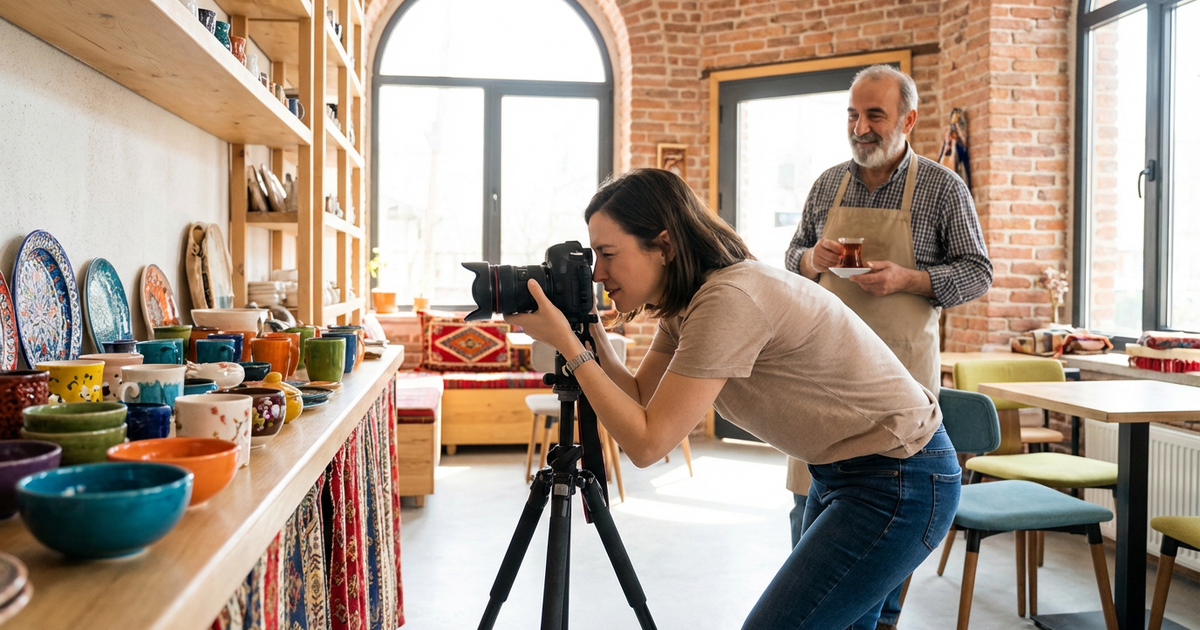
When taking photos, try to use natural lighting. This makes your photos appear more vibrant and clear. Artificial light sources or flash can create unwanted reflections and shadows. Hiring a professional photographer can be a worthwhile investment to ensure your business is represented at its best.
Before uploading photos, make sure each one is sharp and well-focused. Blurry or low-quality photos can leave a negative impression on potential customers. Preview your photos on several different devices before uploading to check their quality.
3. Photo Strategy: Which Photos Should You Upload?
Your photo strategy should be shaped by your business type and target audience. For example, if you run a restaurant, sharing photos of popular menu items can attract customers' interest. Additionally, adding photos of your interior and exterior spaces, staff, and customer experiences gives potential customers a more comprehensive view.
Regularly updating photos is also important. Making photo updates during seasonal changes, special events, or new product launches keeps your profile current. These updates show that your business is dynamic and continuously evolving.
Tagging and adding descriptions to photos is a strategic approach. Creating a short, descriptive title for each photo helps search engines index your images more easily. Adding keyword-rich descriptions to your photos should be part of your local SEO strategy.
4. Important Considerations for Photo Usage
One of the most important considerations in photo usage is respecting copyright. Using photos taken from the internet or other sources without permission can create legal issues and damage your business's reputation. Using your own photos or purchasing licensed images from stock photo sites are the safest approaches.
Your photos must also comply with Google Business Profile guidelines. Google does not allow obscene, misleading, or hate-speech-containing photos on profiles. Using such content can result in your profile being suspended or removed.
Optimizing your images is also important. Reduce file sizes to decrease loading times. This improves user experience and helps your page load faster. Strike a balance by using high-quality images with optimized file sizes.
5. The Importance of Photos for Local SEO
Photos are an essential part of your local SEO strategy. Photos uploaded to your Google Business Profile can help your business stand out in local searches. Google gives more value to profiles that offer rich content. Therefore, having diverse, high-quality photos on your profile contributes to ranking higher in search results.
Customer interactions can also amplify the local SEO impact of your photos. Encourage your customers to like, share, or comment on your photos. These interactions help your profile gain more visibility and expand your potential customer base.
Adding your business location and name below your photos supports your local SEO efforts. This allows Google to better identify your business geographically and helps you gain more visibility in local searches.
Conclusion and Call to Action
By optimizing your Google Business Profile photos with the right dimensions, quality, and strategy, you can stand out in local searches. Remember, your photos create the first impression of your business and can influence potential customers' decisions. Follow the tips in this guide to strengthen your profile and expand your customer base.
Start updating and optimizing your profile photos today! Contact us for more information and professional support to boost your competitive edge in the local market!
Author
ajanslokal Team
We create content about digital marketing strategies and solutions for local businesses.
Interested in this service?
Stand out on Google. Manage your business with professional tools.
Learn MoreGrow Your Business in the Digital World
Be more visible on Google, win more customers. Get your free digital presence audit now!
Get Free Audit