Google Business Profile Optimization: The Complete Guide
A detailed guide to Google Business Profile optimization. Tips and strategies to boost your local search visibility and SEO.

Category: Google Business Profile
Keywords: Google Business Profile, Local SEO, Business Optimization, Local Business Directory, SEO Trends
What Is Google Business Profile?
Google Business Profile (GBP) is a free tool that increases your business's visibility in Google search results and Google Maps. It helps your business reach local customers with accurate and up-to-date information. For small and medium-sized businesses, this profile is an essential part of local SEO strategy.
Through this profile, you can present important details such as your address, business hours, contact information, and customer reviews to potential customers. You can also provide detailed information about your services and products to enhance the customer experience. Optimizing your Google Business Profile is a critical step in making it easy for potential customers to find you.
How to Create a Google Business Profile
Creating a Google Business Profile is quite simple. First, log into your Google account, go to the Google Business Profile page, and click "Add Business." The system will guide you step by step to enter your business name, address, contact information, and category details. After filling in this information, you will need to verify your business. This verification is typically done via a postcard sent to your business address.
After verification, you can add additional details to complete your profile. Adding business hours, services, products, photos, and videos makes your profile more attractive and informative. For businesses, adding details about local flavors or cultural features can be important for attracting customers.
Why Google Business Profile Optimization Matters
Google Business Profile optimization is critical for your business to appear higher in local search results. As one of the cornerstones of local SEO strategy, this optimization increases your visibility and helps you attract more customers. In competitive markets, you should not neglect this optimization to ensure your business stands out.
Another important benefit of optimization is building customer trust. Accurate and current information on your profile gives potential customers confidence. Customer reviews and responses also demonstrate customer satisfaction, which enhances your business's reputation and attracts more customers.
Google Business Profile Optimization Tips
1. Use Accurate and Up-to-Date Information
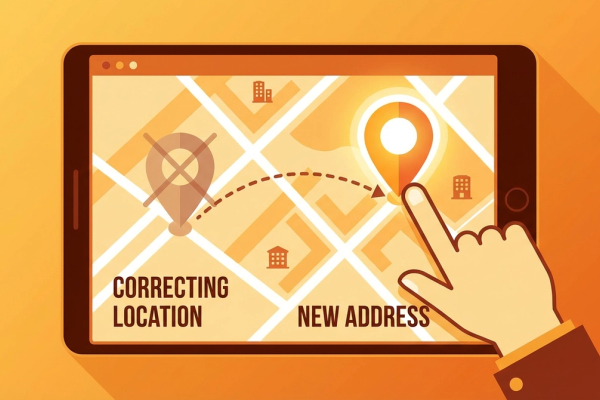
Ensuring your business name, address, and phone number are accurate and current is critically important for customers to reach you easily. Enter your information in the correct format and update it immediately when changes occur.
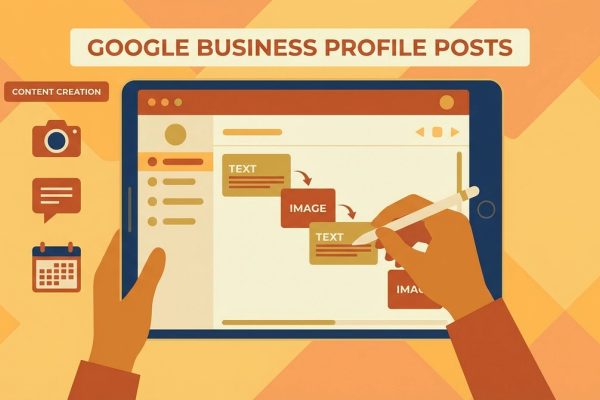
2. Add Photos and Videos
Visual content makes your profile more attractive. Add interior and exterior images, product photos, and promotional videos if available. Using visuals that reflect local culture and atmosphere can be effective for attracting customers.
3. Respond to Customer Reviews
Customer reviews directly impact your business's reputation. Thank positive reviewers and address negative reviews with a solution-oriented approach to increase customer satisfaction. Using a sincere and genuine tone is important.
Integration with Local SEO Strategies
Combining Google Business Profile optimization with local SEO strategies further increases your business's online visibility. Optimize your profile with local keywords and offer local content on your website. For example, if you run a cafe in downtown Austin, you could use keywords like "best coffee in downtown Austin."
Additionally, building local backlinks can increase your business's authority. Collaborating with local blogs, newspapers, or magazines helps spread your name. Developing a strong local SEO strategy ensures your business's long-term success.
How to Monitor Your Google Business Profile
Monitoring your profile's performance is important for understanding which strategies are working. The analytics tools provided in Google Business Profile allow you to see how often your business is viewed, how customers reach you, and which content is most popular. Use this data to update your optimization strategies and create a more effective roadmap.
You can also use social media integration and website analytics to increase your business's online presence. Following a consistent strategy across all channels while considering your market's digital marketing dynamics is important.
Conclusion and Call to Action
Google Business Profile is a powerful tool for boosting your local SEO success. By applying the tips in this guide, you can increase your business's online visibility and attract more customers. Review your business profile now, complete any missing information, and put your optimization strategies into action. It is time to take action for your business's growth!
Remember, success in the digital world comes with the right strategies and continuous updates. Optimize your Google Business Profile today and strengthen your competitive edge in the local market. Contact us for more information and support.
Author
ajanslokal Team
We create content about digital marketing strategies and solutions for local businesses.
Interested in this service?
Stand out on Google. Manage your business with professional tools.
Learn MoreGrow Your Business in the Digital World
Be more visible on Google, win more customers. Get your free digital presence audit now!
Get Free Audit