What is NAP Consistency?
Understand NAP consistency and check the business name, address or service area, and phone information customers rely on.
What is NAP consistency?
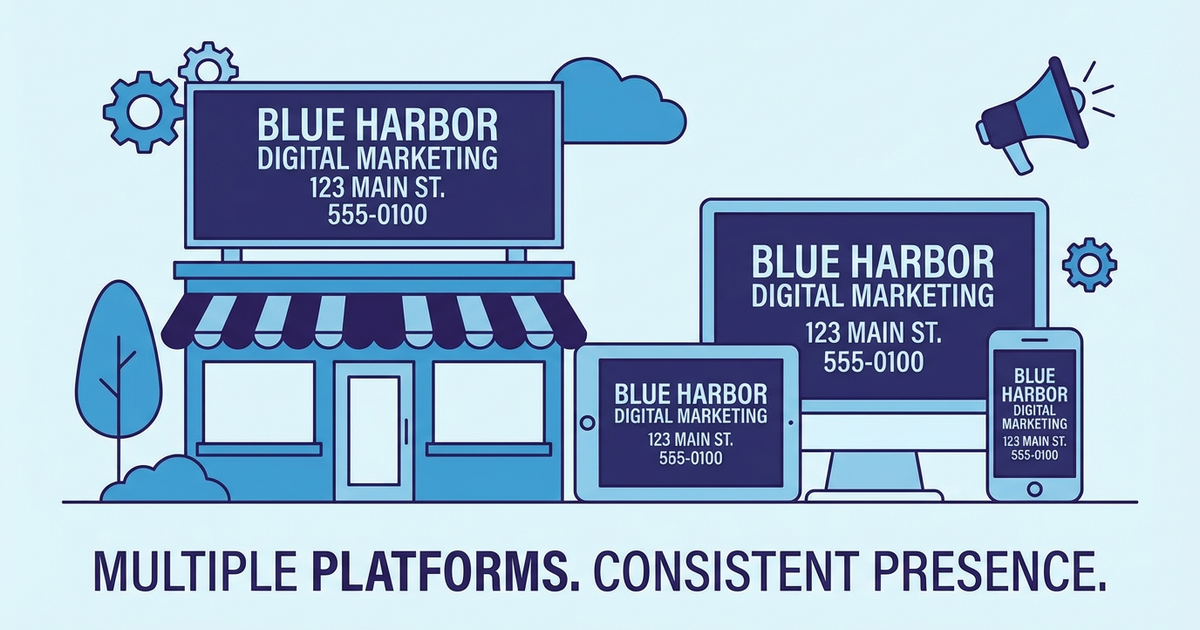
NAP means a business's name, address and phone number. A consistency check asks whether the information customers find still describes the correct business and location. An old phone number or the wrong branch address can send someone to the wrong place or leave them unable to contact you.
Start with the actual business facts
Keep a reference record for each location. Confirm the real-world business name, the phone number that reaches that location, its website and the address or service area it should show. Do not copy an existing listing merely because it appears often: that listing may itself be out of date.
Google's business representation guidelines explain the rules for business names, locations, service areas and phone numbers. For a service-area business, check the address-visibility rules before publishing an address. A private home address should not be spread across directories simply to make their entries match.
Separate incorrect facts from presentation differences
A phone number for another branch, a missing suite needed to find the entrance, or an old address needs investigation. Differences in punctuation or how a platform displays a number need context. A shared reference format can make human checking easier; this article does not establish a Google requirement for identical characters, spaces or abbreviations across every website.
Why the check is useful
Accurate information helps customers decide where to go and how to contact you. Google advises keeping business information complete and accurate. Its published local ranking guidance discusses relevance, distance and prominence. Correcting a listing does not establish a particular ranking gain, traffic increase or verification outcome.
Make a small, useful correction list
- ▸Start with the website and listings customers actually use. Record the page URL and the date you checked it.
- ▸Compare the shown facts with the location's confirmed reference record. Record what differs and why it matters.
- ▸Identify the authorized person who can edit each platform. Keep passwords and verification codes out of the working sheet.
- ▸Correct the business facts through the platform's available process. Do not create another profile just to work around an ownership problem.
- ▸Recheck the public result. A saved request or submitted edit is not proof that customers can see the corrected information.
For several locations, keep each branch's information and follow-up separate. The relevant platform's eligibility rules determine which locations can have their own profiles.
Keep the next step realistic
You can perform this check manually. The profile-management page explains related workflows and access limits. The free audit is a separate starting point for the checks it offers; it is not a complete scan of every directory or a promise to correct other platforms.
Author
ajanslokal Team
We create content about digital marketing strategies and solutions for local businesses.
Grow Your Business in the Digital World
Be more visible on Google, win more customers. Get your free digital presence audit now!
Get Free Audit